Intent in Figma, reality in code.
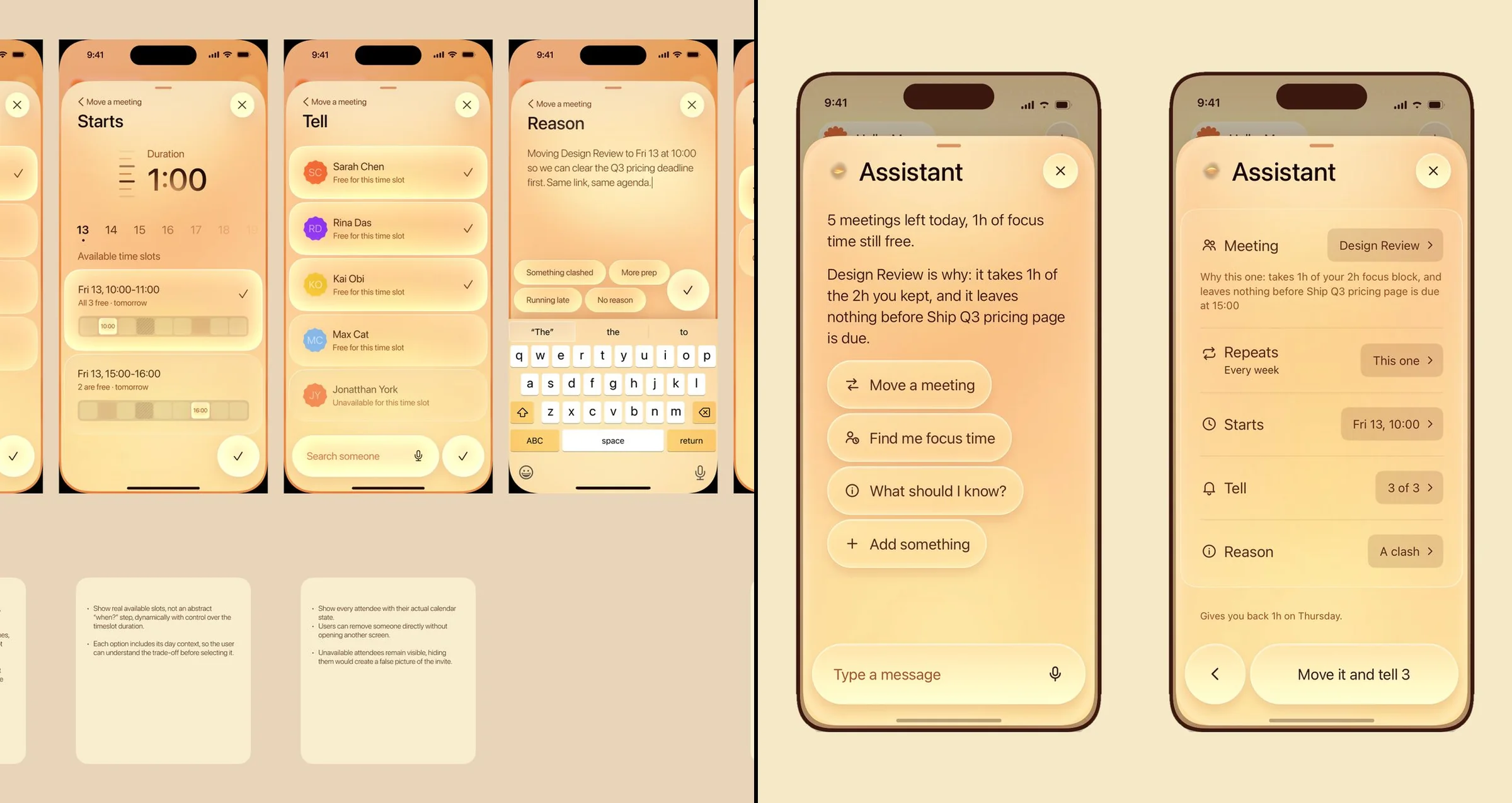
A short demo of the loop I work in: Figma holds the intent, code makes it testable, and I move between the two until the copy is right.
The loop
Two tools, one loop: the design is decided in Figma and proven in code.
Neither tool is the whole answer. Figma keeps the intent readable; code puts it in real hands, with real states and real data. The work happens in the back and forth.
The intent: intentions, visual iterations, a direction.
The proof: every view completed, tested in real hands.
The judgment: back and forth until the copy is right.
The process
Three steps, and the loop between them.
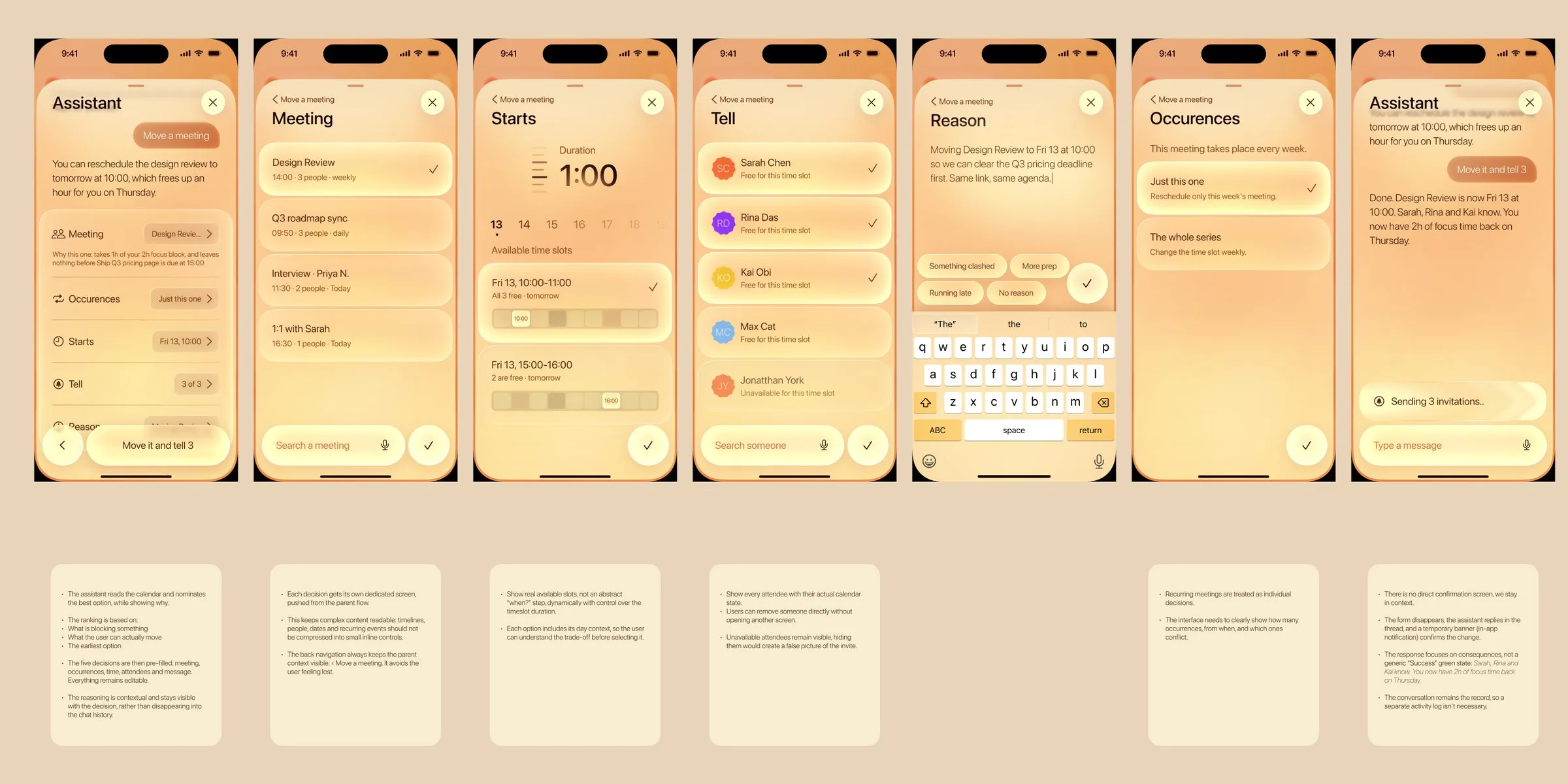
Figma sets the intent.
The concept file is the guideline: intentions, visual iterations, a direction. It can stay partial, it still lays the foundations.
Out of it: 18 iPhone screens in 7 sections, like the Move a meeting flow here.
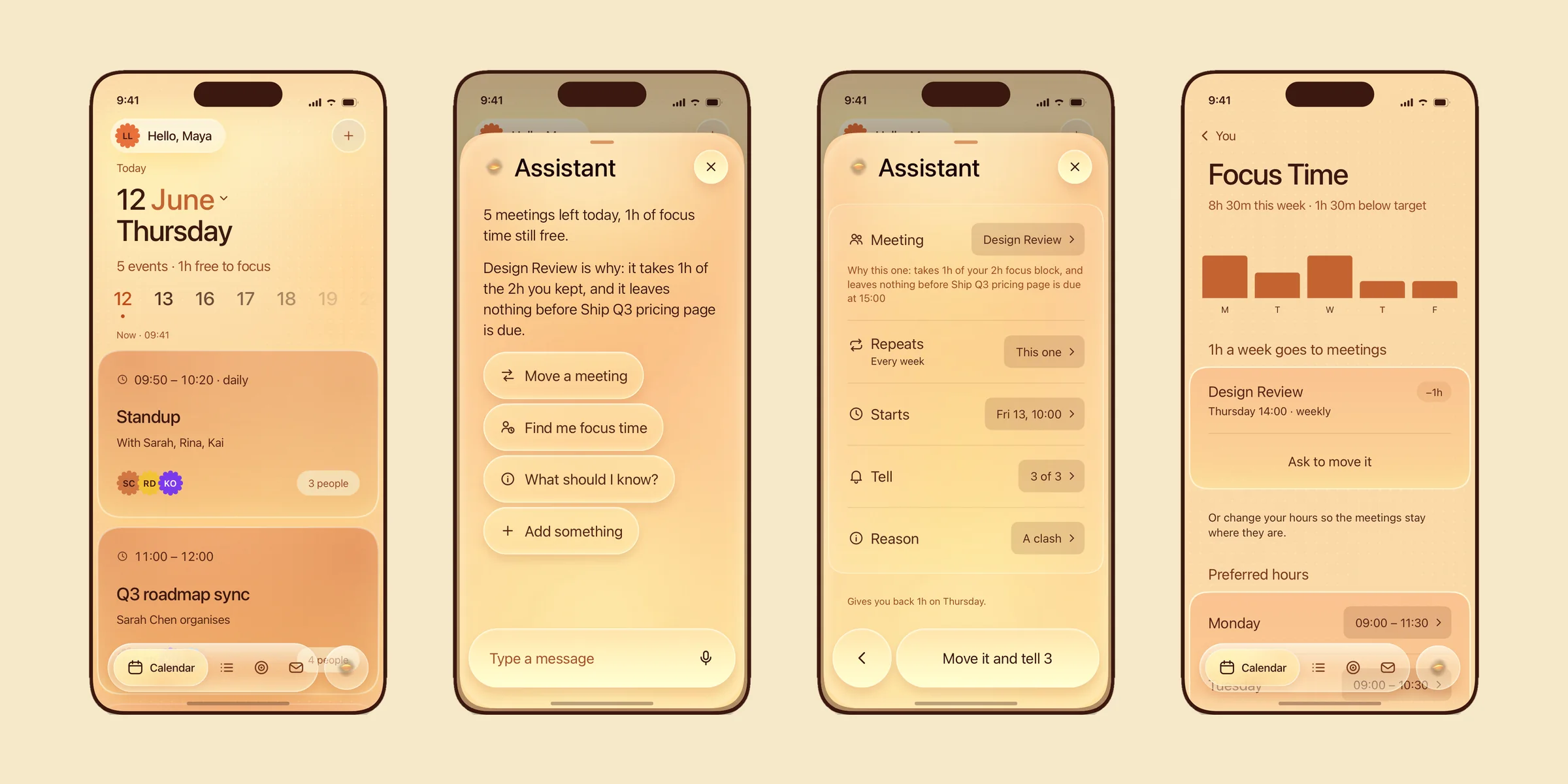
Code makes it real.
Pulled from the Figma file, the prototype completes every view, tests the UX in real hands, and adds the micro-interactions and custom code Figma can't. The design rules live in .md files, the generation is framed by my own skills.
Out of it: 46 states, on iPhone and on iPad in landscape, in light, warm and dark.
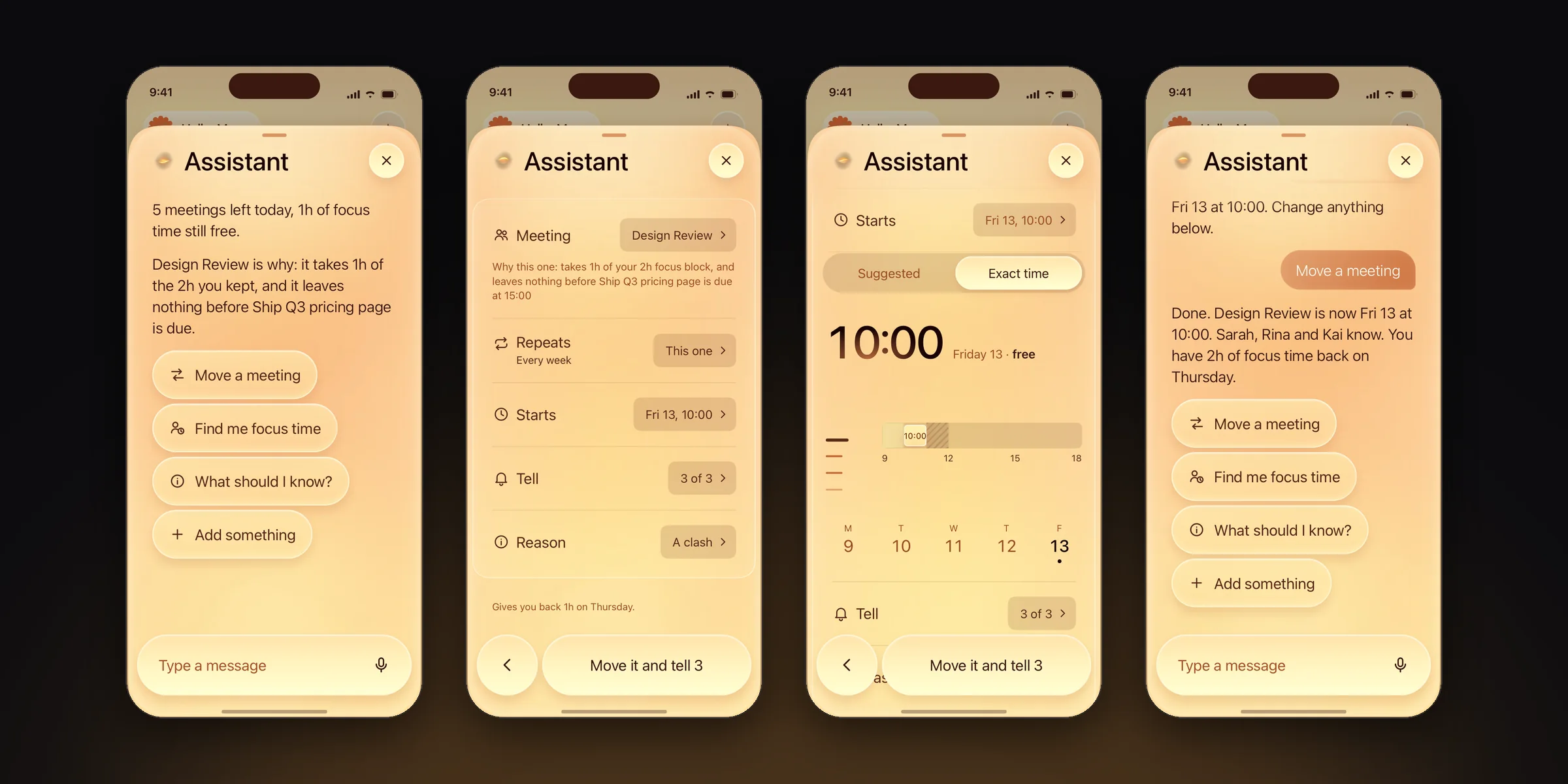
Then the product.
I go back and forth between the two until the copy is right. That copy becomes the final product, or a clean handoff to teams, clients and developers.
Out of it: one flow, end to end, from the ask to the done state.
Augmented by AI
The code is generated. The rules it follows are mine.
In the prototype
The calendar on iPad in landscape, the same screen in three themes, then three of the 46 states.
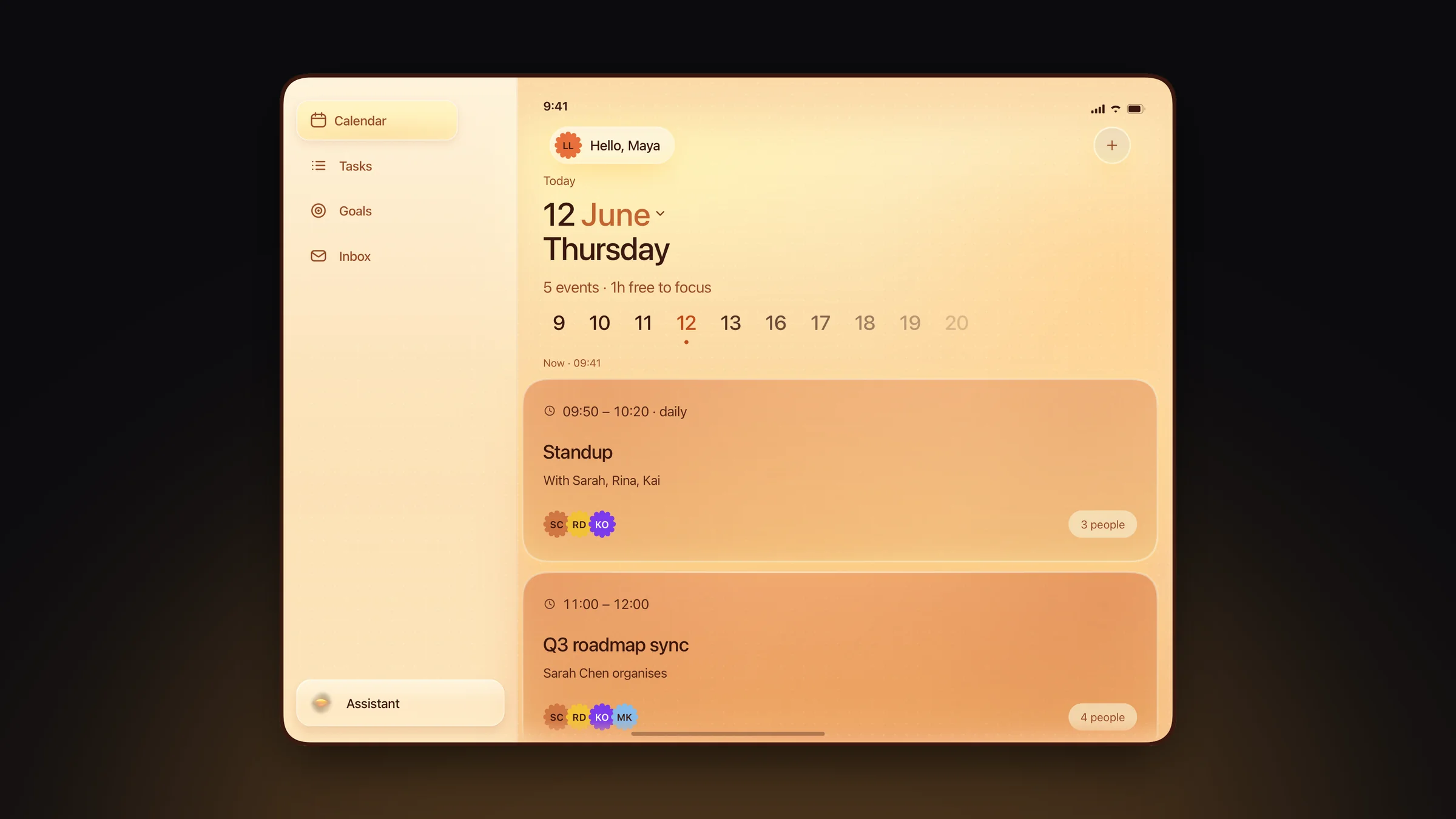
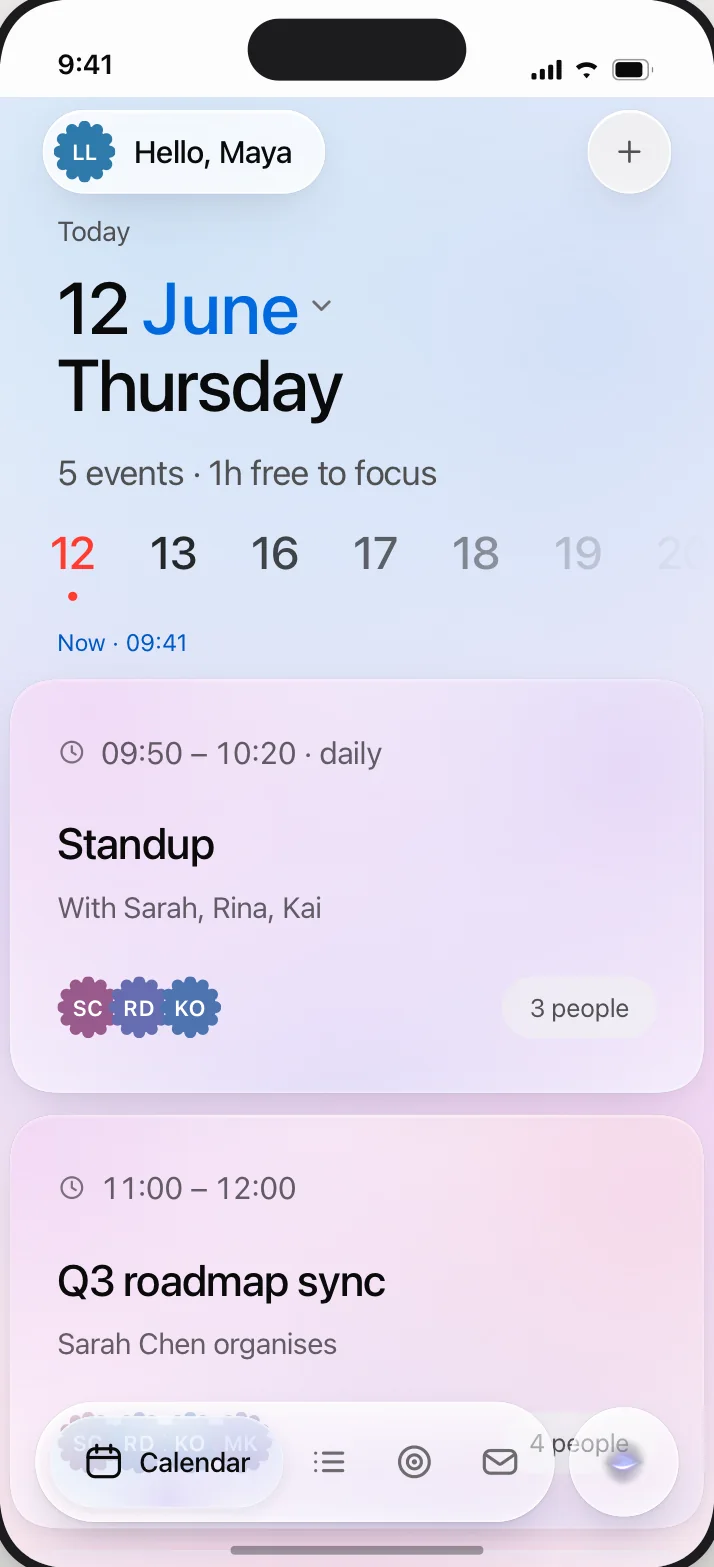
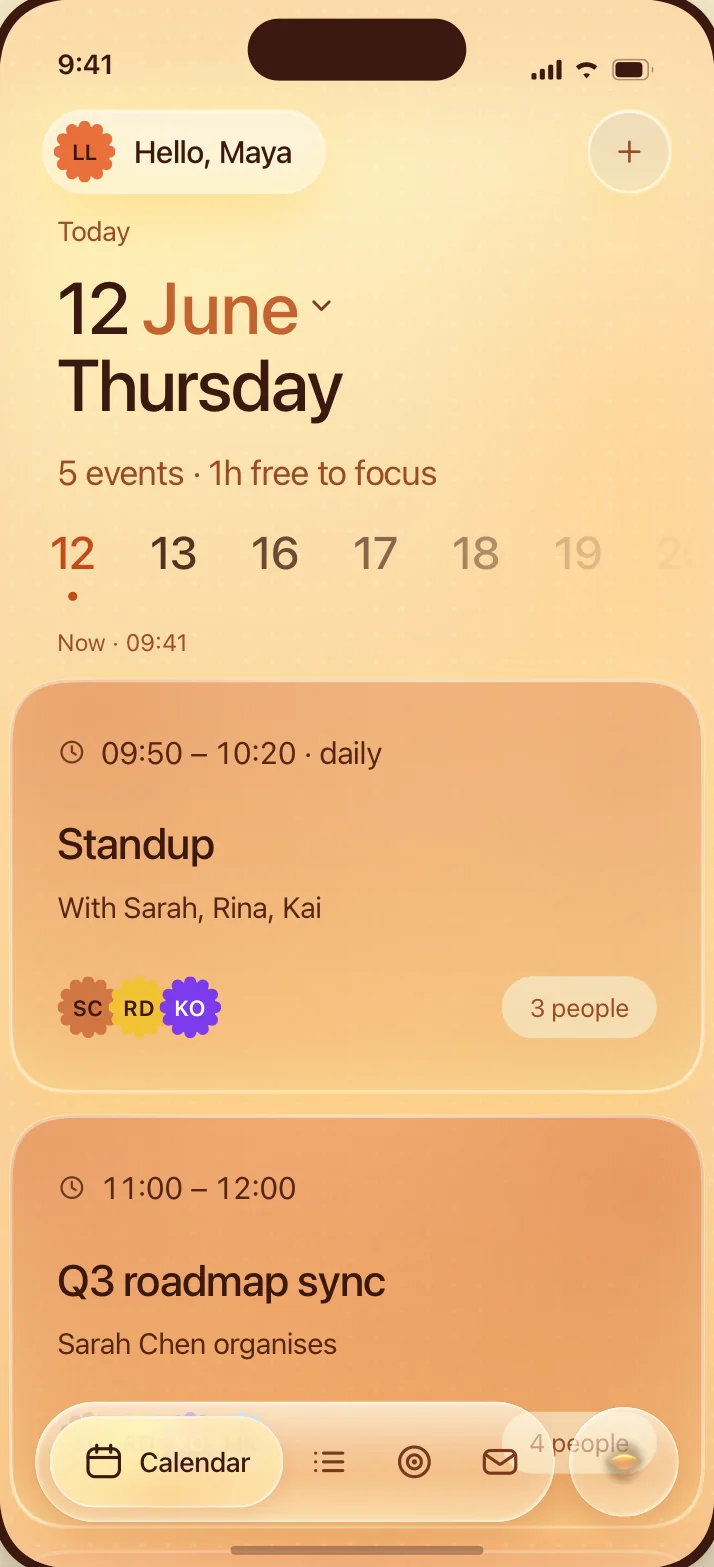
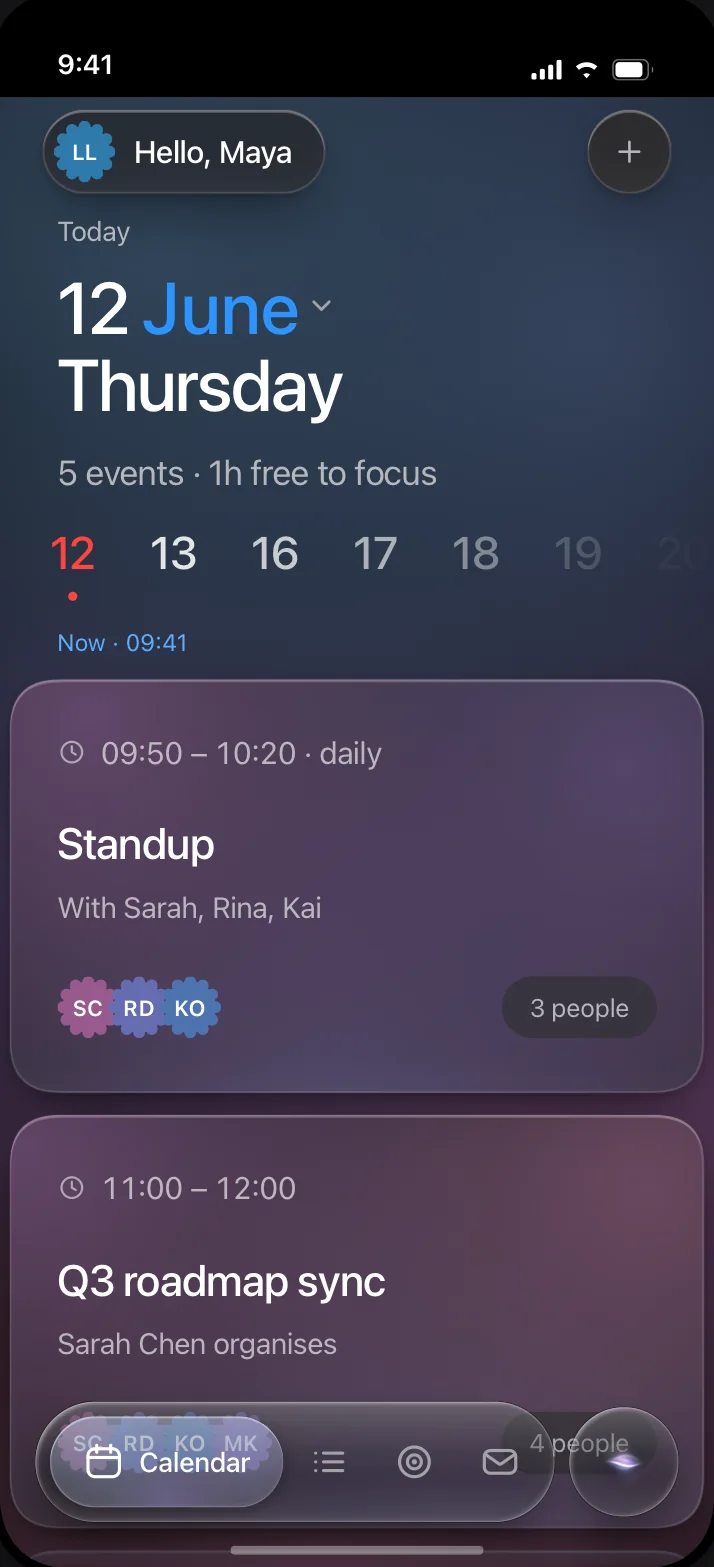
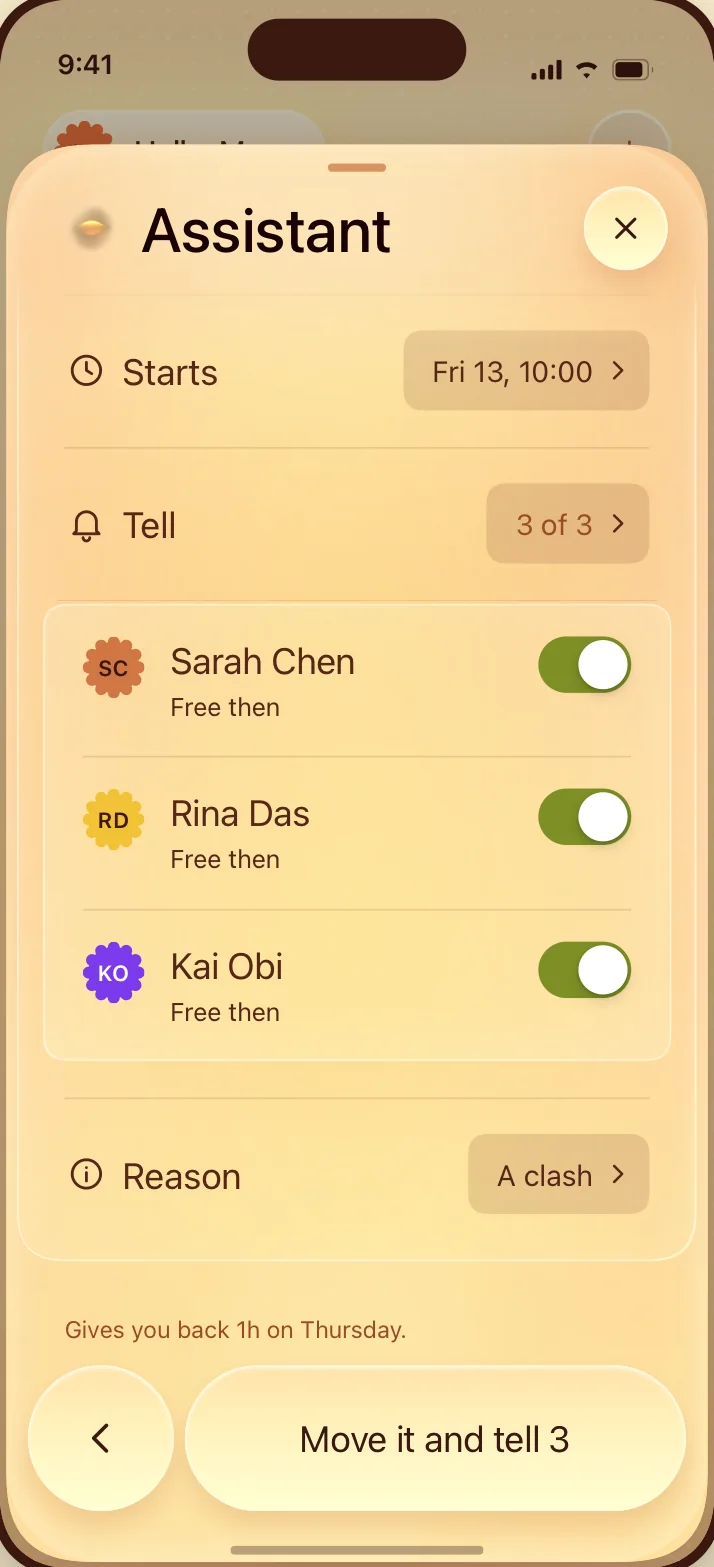
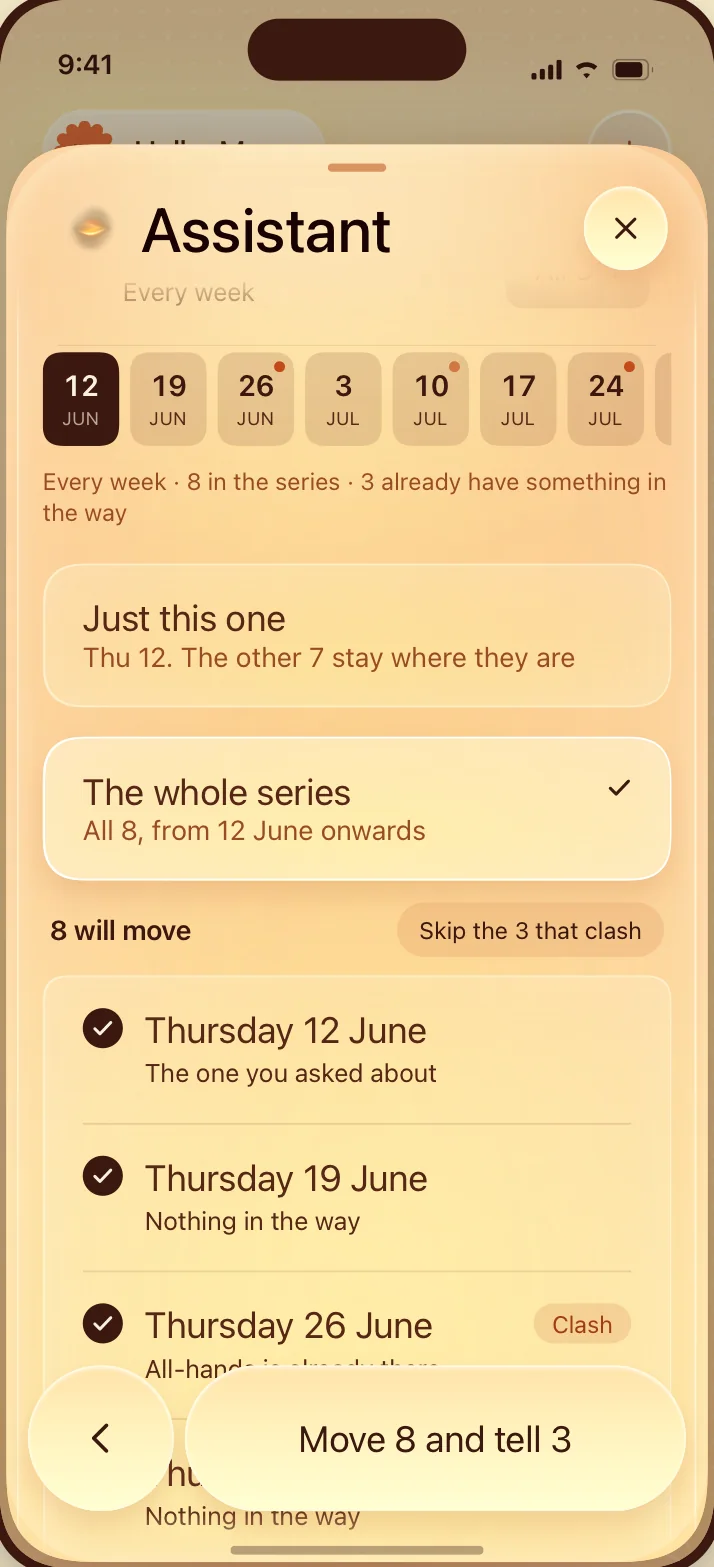
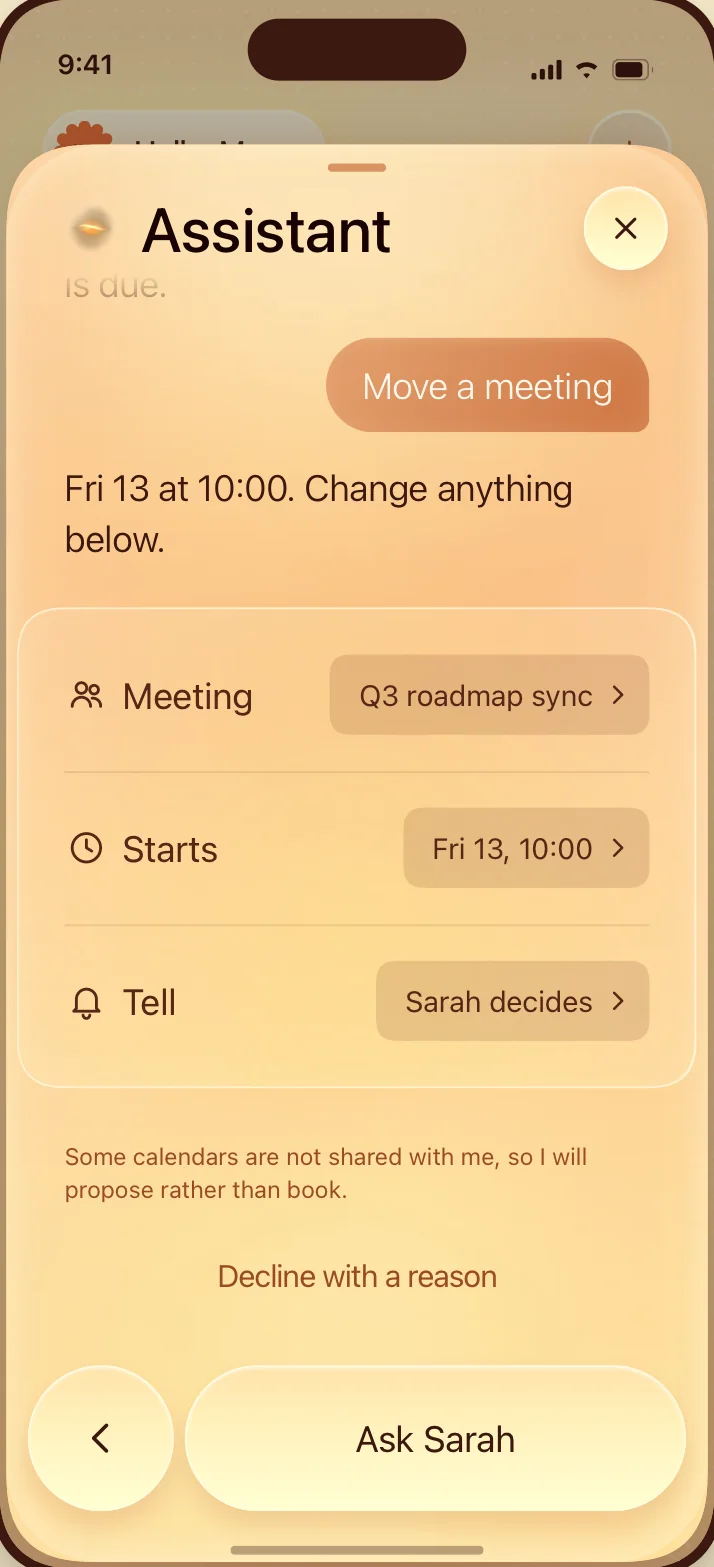
The calendar on iPad, then in light, warm and dark, then who to tell, the whole series and its three clashes, and a meeting that is not yours
The result
A concept you can open, tap and hand off, not a deck of frames.